
Get onboarded to Catena-X
Provided your organization has already been approved and onboarded to the Data Intelligence Hub, you can take full advantage of the benefits made available to you and get automatically onboarded to Catena-X’s operating company, Cofinity-X.
Demo showcasing the onboarding journey
Section titled “Demo showcasing the onboarding journey”Please watch the tutorial by clicking on “Watch on YouTube”.
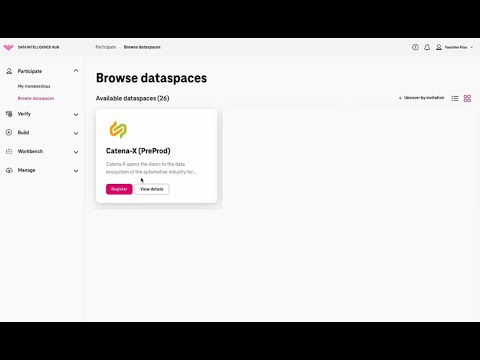
Data Intelligence Hub Portal
Section titled “Data Intelligence Hub Portal”Access the onboarding service
Section titled “Access the onboarding service”To do so, you can start by using the main menu on the left-hand side of the Data Intelligence Hub portal to navigate to Particpate → Browse dataspaces.
Find the tile for the Catena-X dataspace, and click on the Register button corresponding to the Cofinity-X environment on which you wish to be onboarded: either Beta or Production.
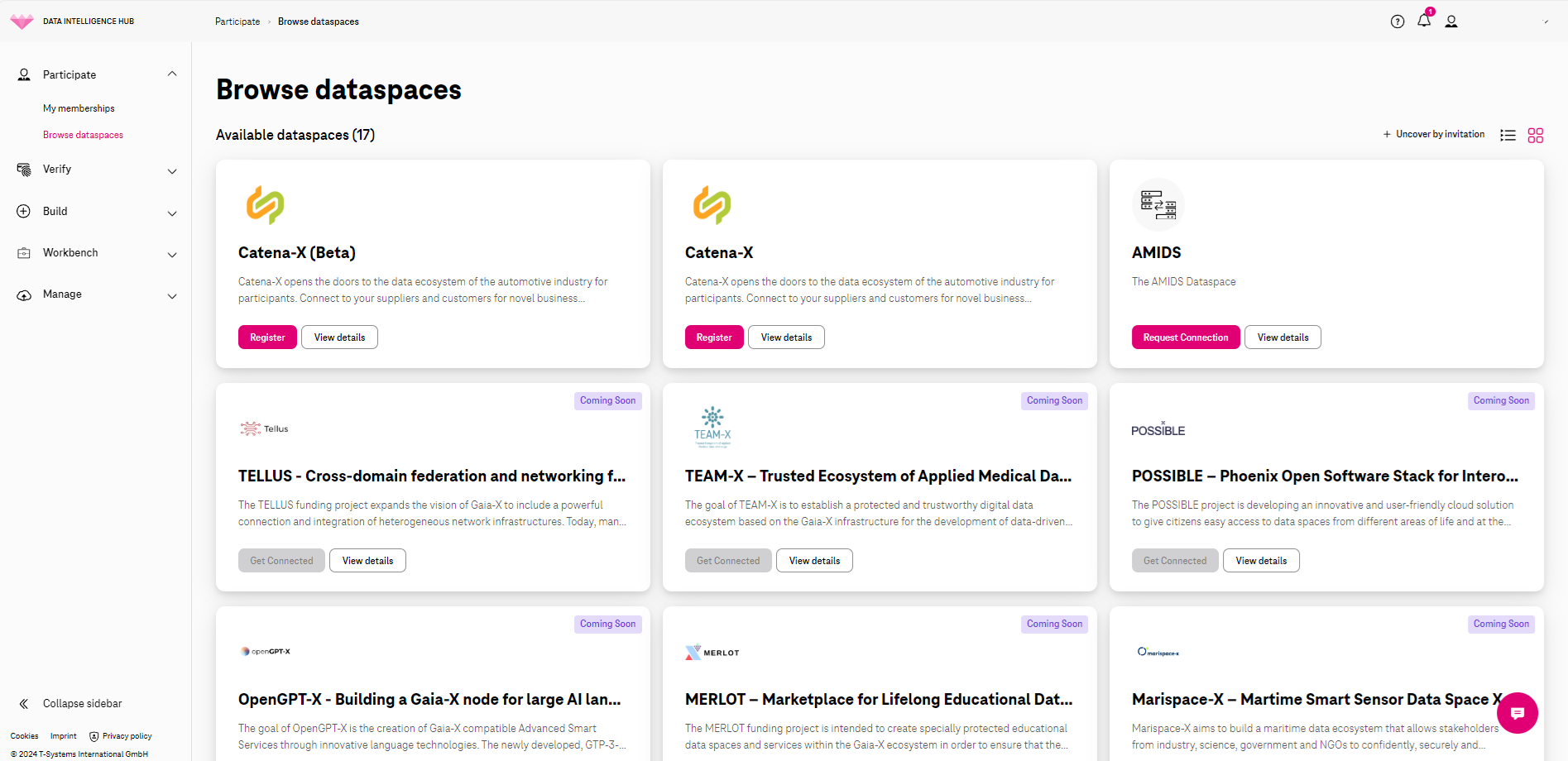
Alternatively, you can click on “View details” on the tile for Catena-X to see the presentation site of Catena-X or contact information for the Catena-X network. You can always click on “Register” to continue your registration.
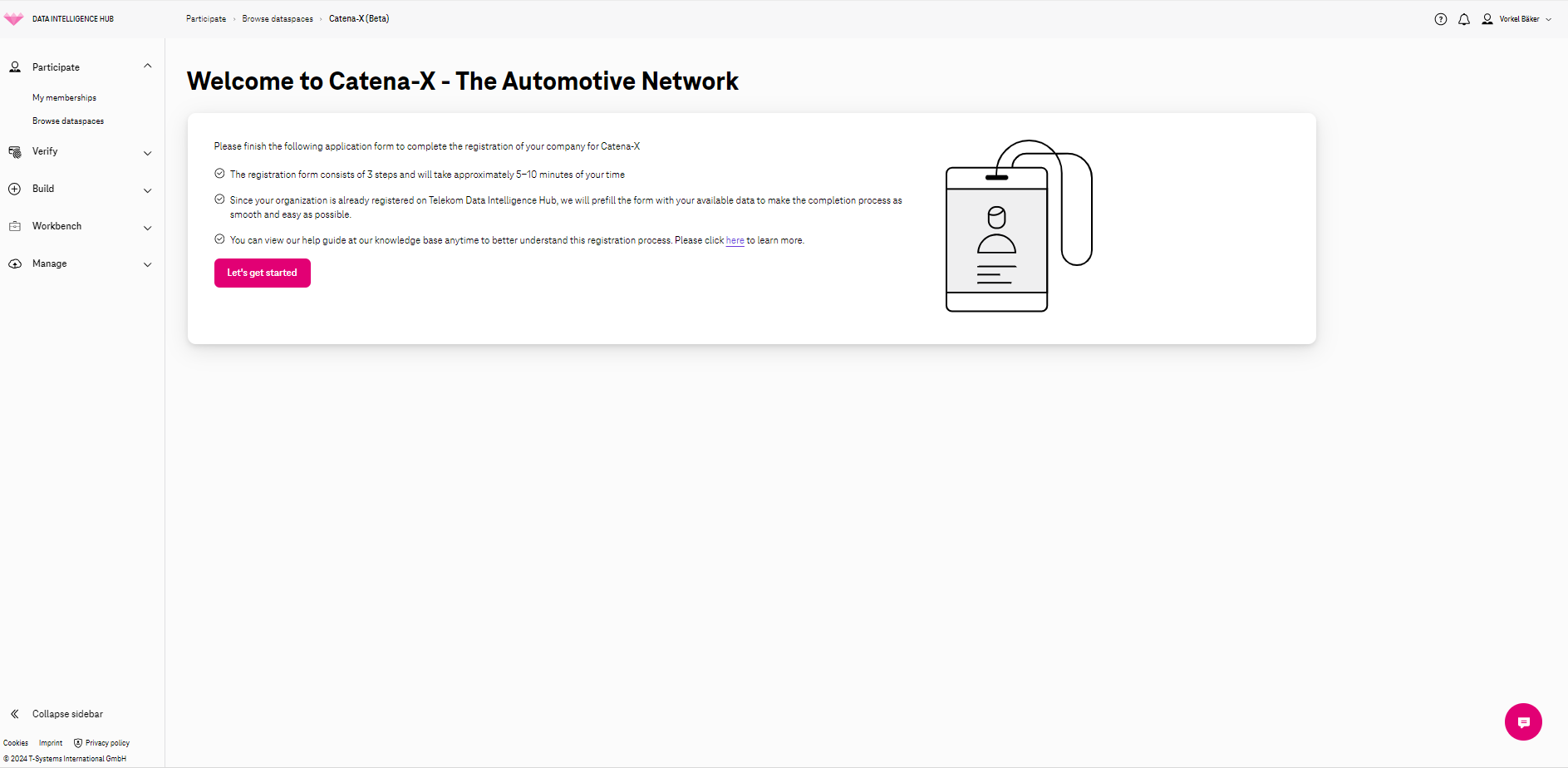
You will land on an introductory page that lays out the steps ahead of you. You can click on “Let’s get started”.
Add Your Company Data
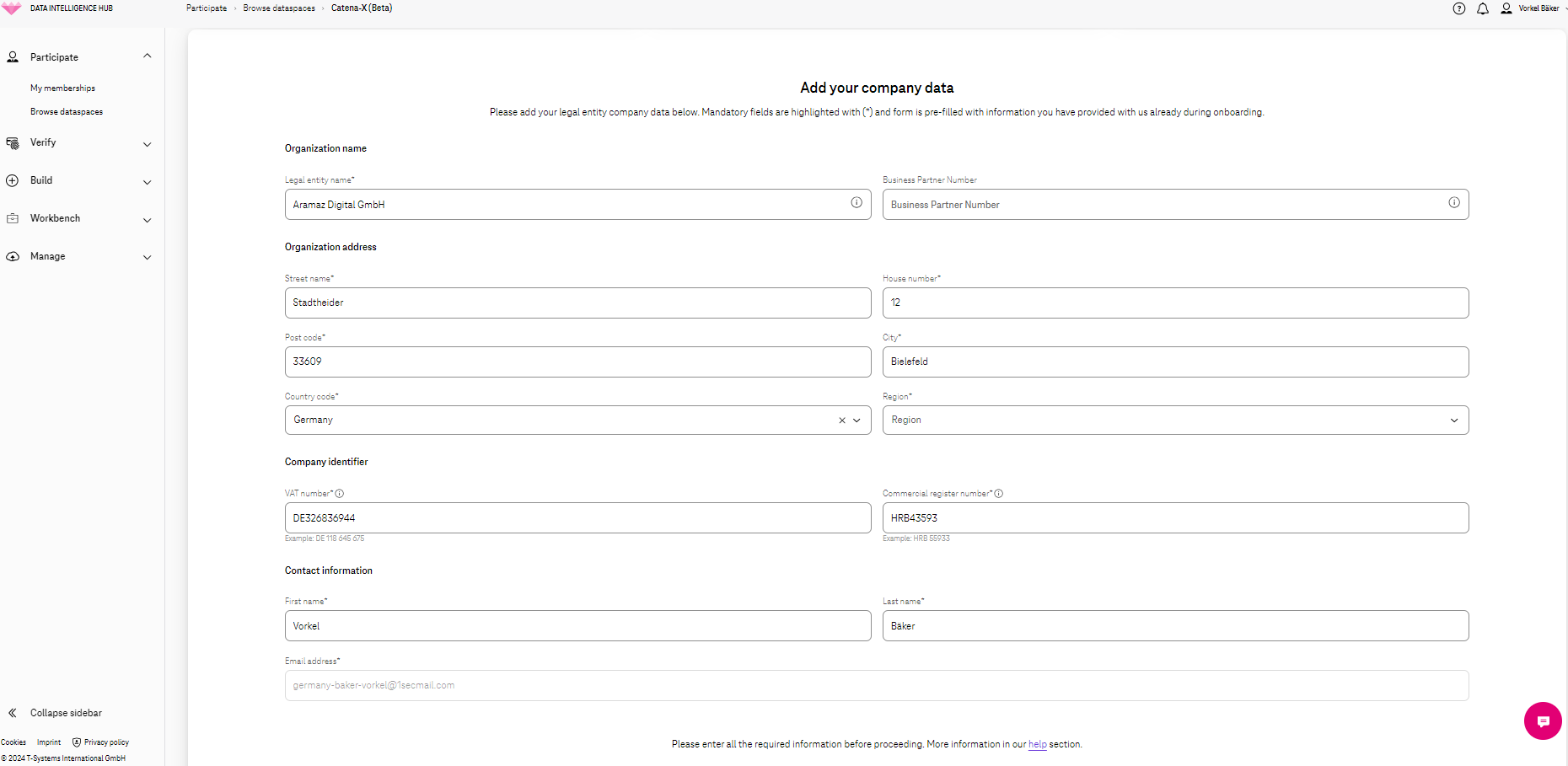
Section titled “Add Your Company Data”The first step is filling in your company data. We have filled in this form for you based on the information available on your DIH organizational account - so you can go through the fields, check for needed corrections if any, and fill in additional information if needed. For example, you can fill in your Business Partner Number. This field is not mandatory, but if you do fill it in, it needs to match the expected structure. If you don’t have a BPN number inside the Catena-X ecosystem, please make sure this field is blank and does not include any empty spaces.
All fields marked with an asterisk are mandatory and need to match the expected structure highlighted by the text displayed in red. Please remember to fill in the region, it’s a mandatory field marked with an asterisk.
Once you have filled in your data, please click on “Next” at the bottom of the screen. If the “Next” button is grayed out, please double check all fields marked with an asterisk - you may have missed one.
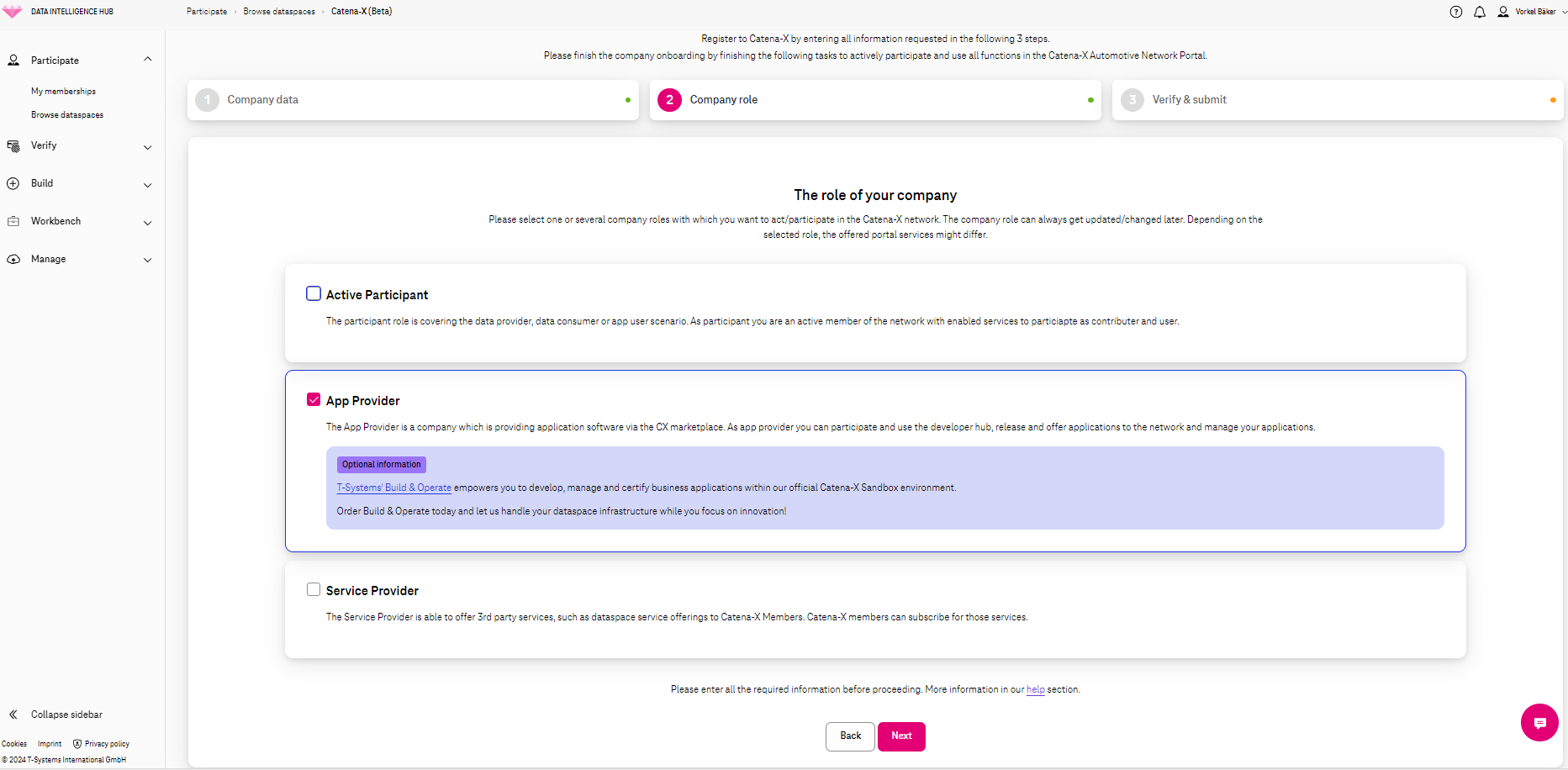
The second step is specific to the Catena-X ecosystem. You will need to select the company role that you wish to take, Based on your selection, you will be onboarded accordingly.
The options are Active Participant, App Provider, or Service Provider. Depending on your selection, you will get legal agreements specific to the role(s) selected at a later stage in the process. If you wish to get the Terms and Conditions in advance for your legal team to analyze prior to your registration with Catena-X, please drop us an email to dih.success@telekom.com and we will be happy to provide them for you.
On this screen, you can select one, two or all three roles available. You need to have selected at least one company role to be able to move to the next screen. When you have finished your selection, please click on “Next” at the bottom of this screen.
Verify and Submit Registration Data
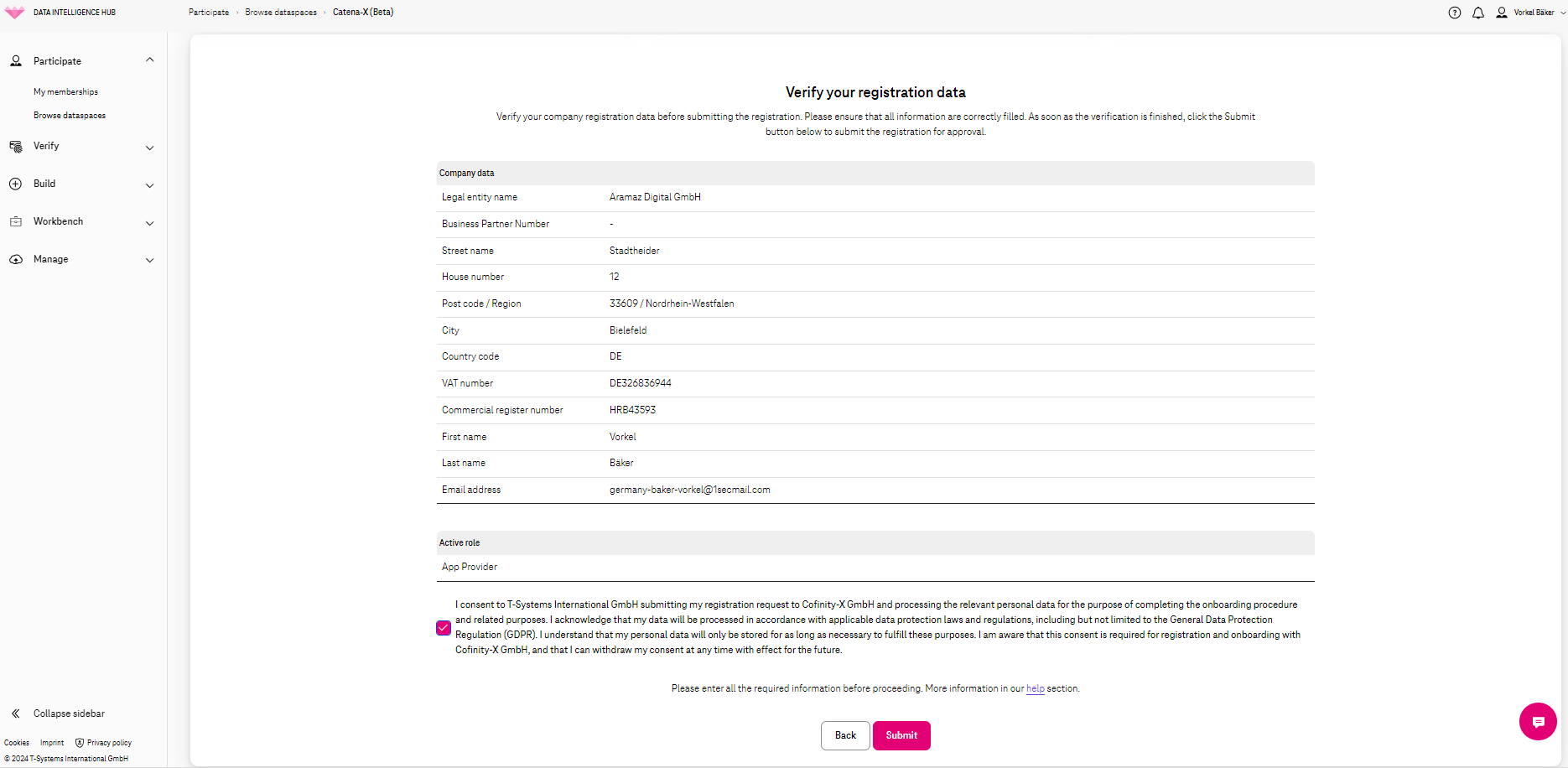
Section titled “Verify and Submit Registration Data”You’ve reached step number 3, it’s now time to verify and submit your registration data. Please go through your company information summarized here – if needed, you can go back one or two steps for corrections. Once you have proofread everything, please agree to the Terms and Conditions and you can go ahead and click on “Submit”. If the button “Submit” is not clickable, please make sure you have checked the checkbox to agree to the Terms and Conditions.
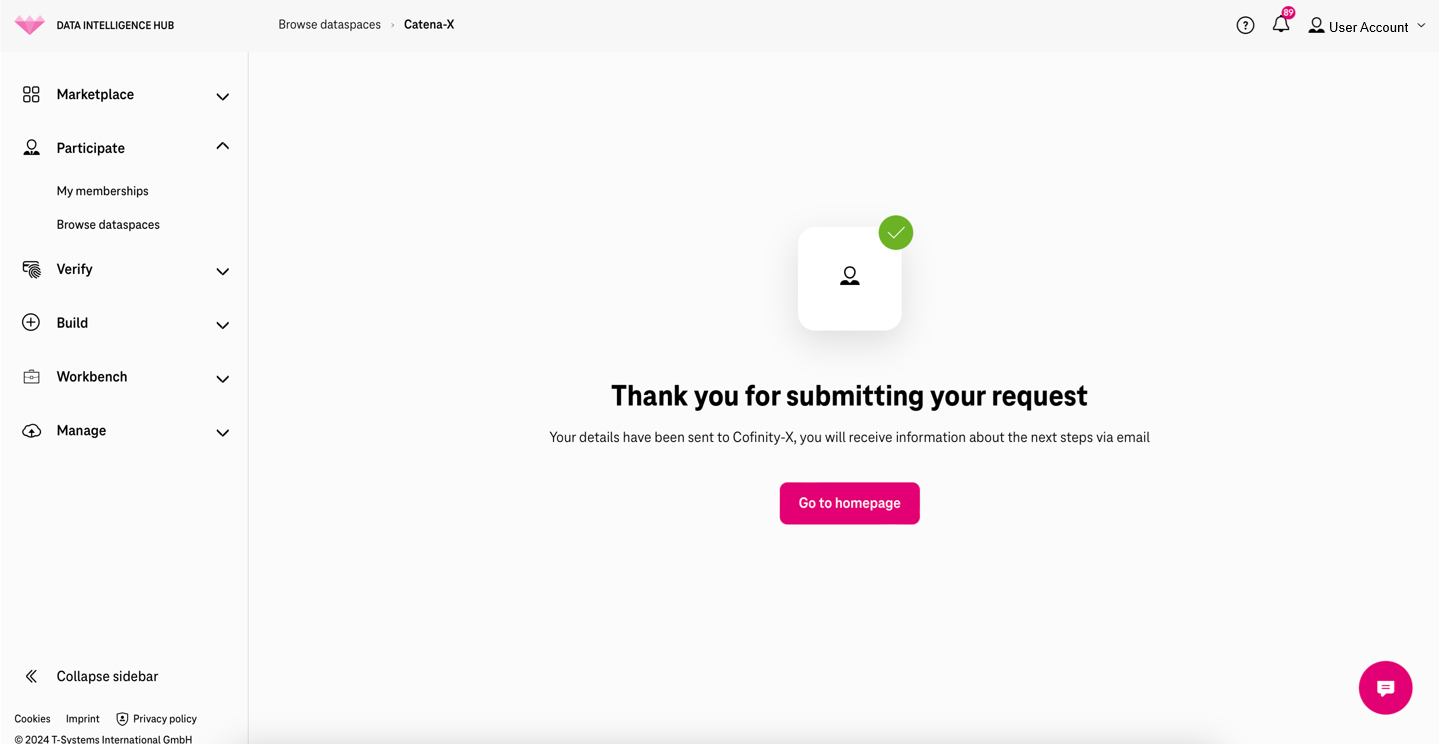
Congrats! we have sent your onboarding data to Catena-X’s operating company, Cofinity. You will be notified via email about the next steps, and you will be supported throughout the process.
You will receive an email from Cofinity-X, the Core Service Provider of the Catena-X network - this email contains all the instructions you need to follow in order to complete your registration.
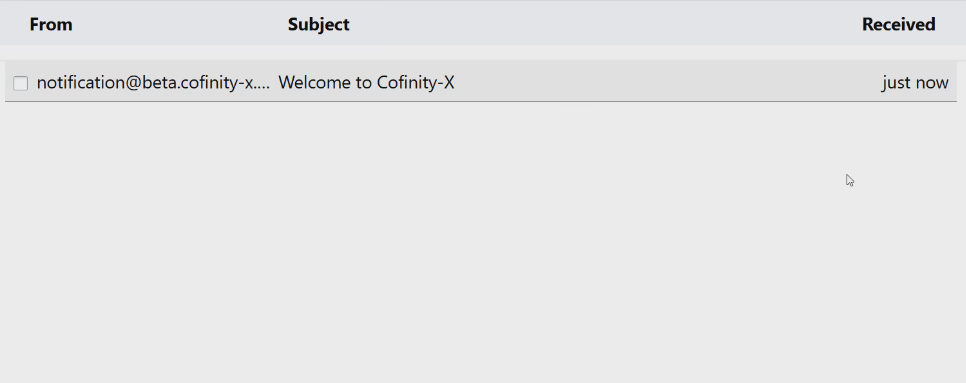
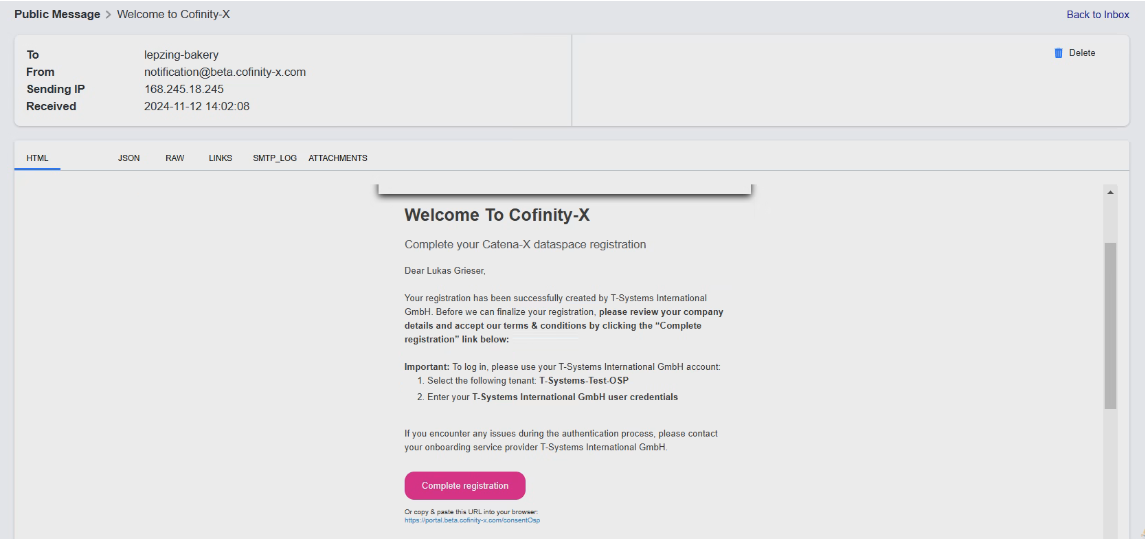
Kindly follow the steps detailed in the email and complete the registration flow within the Catena-X Automotive Network - click on the link provided in the email, and search for the tenant mentioned in the email you received.
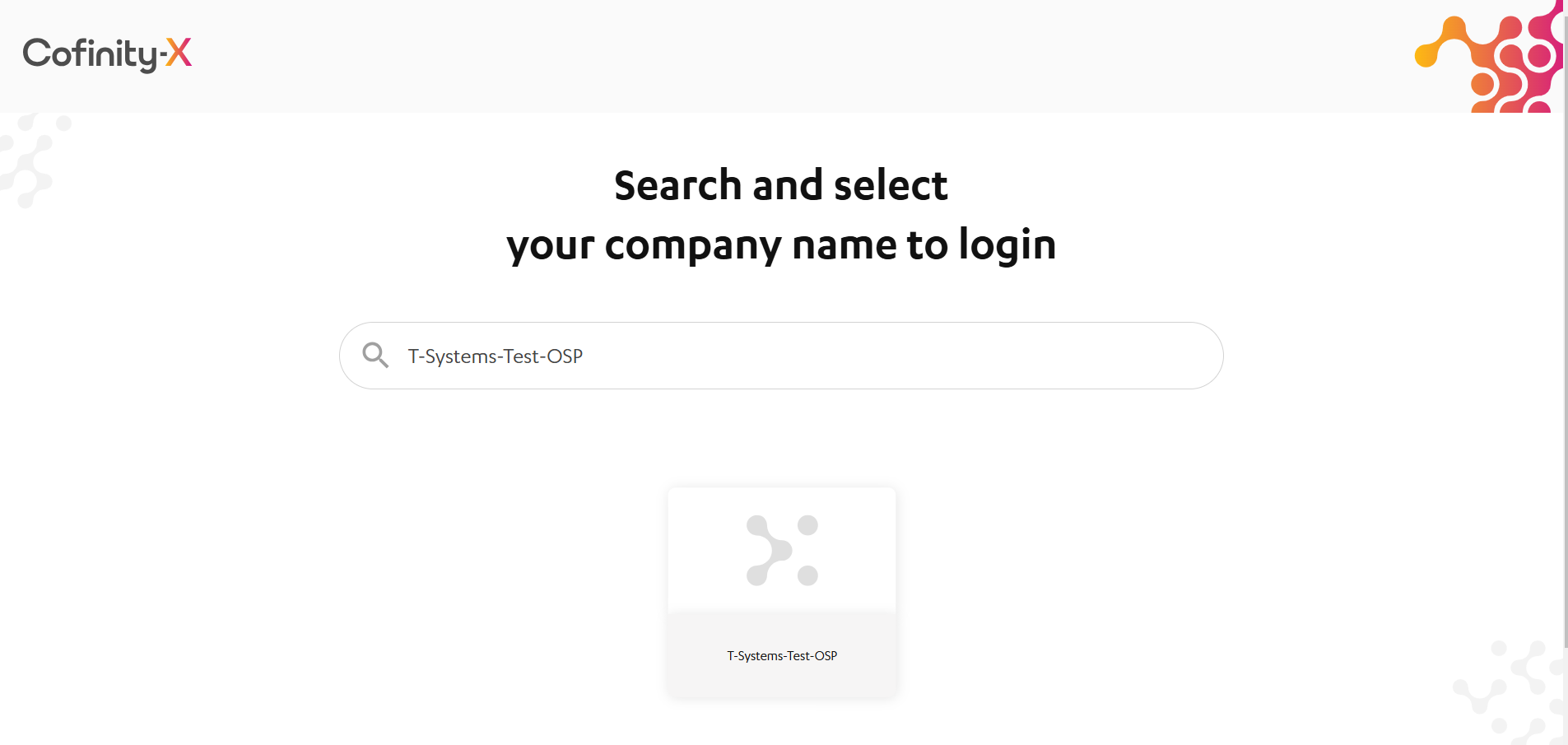
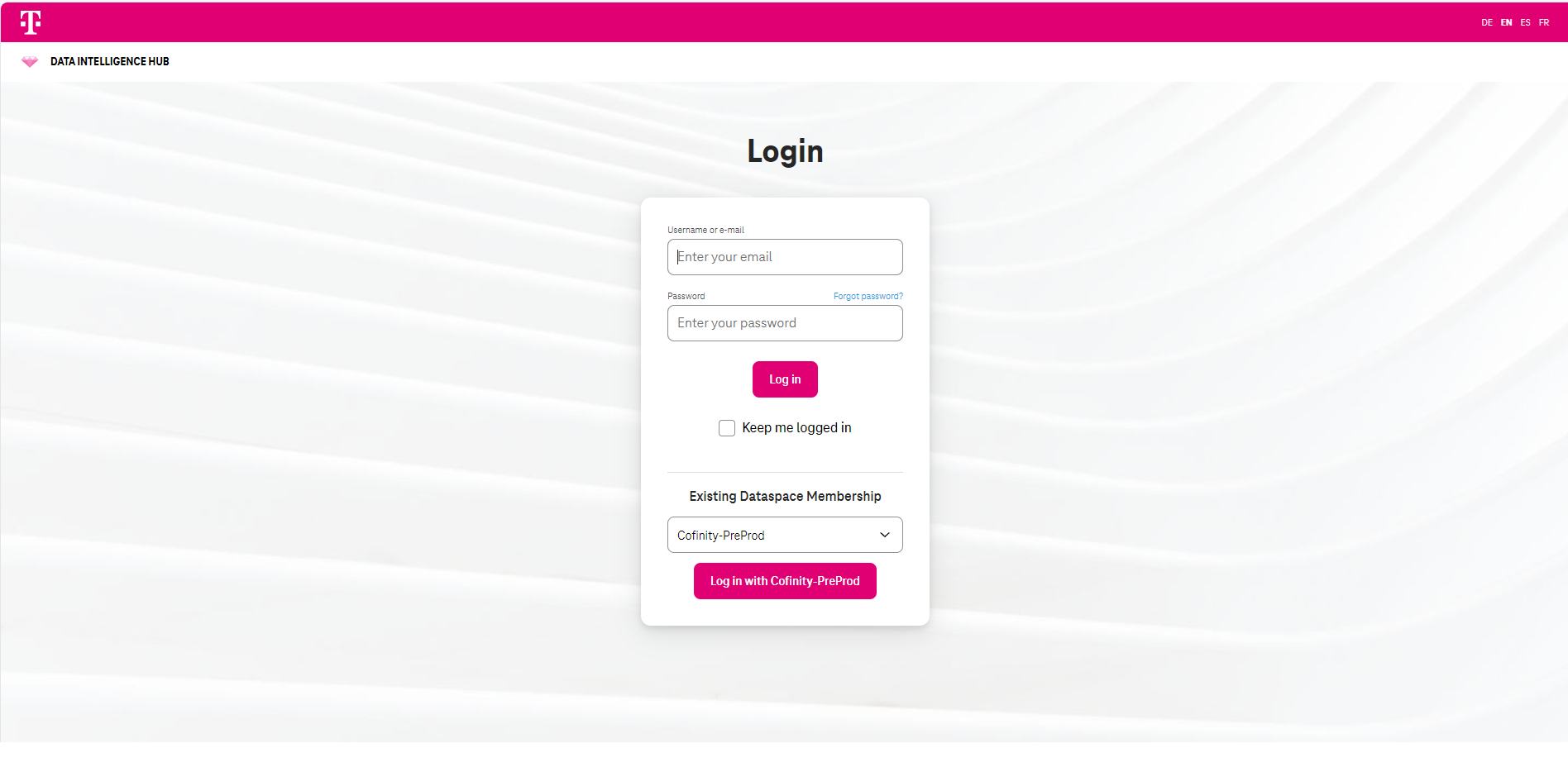
Once you have selected the T-Systems tile, you will be redirected to a login page, where you can use your Data Intelligence Hub credentials - your email address and your password - to log in to the Cofinity-X portal.
Once logged in, the Consent screen will appear:
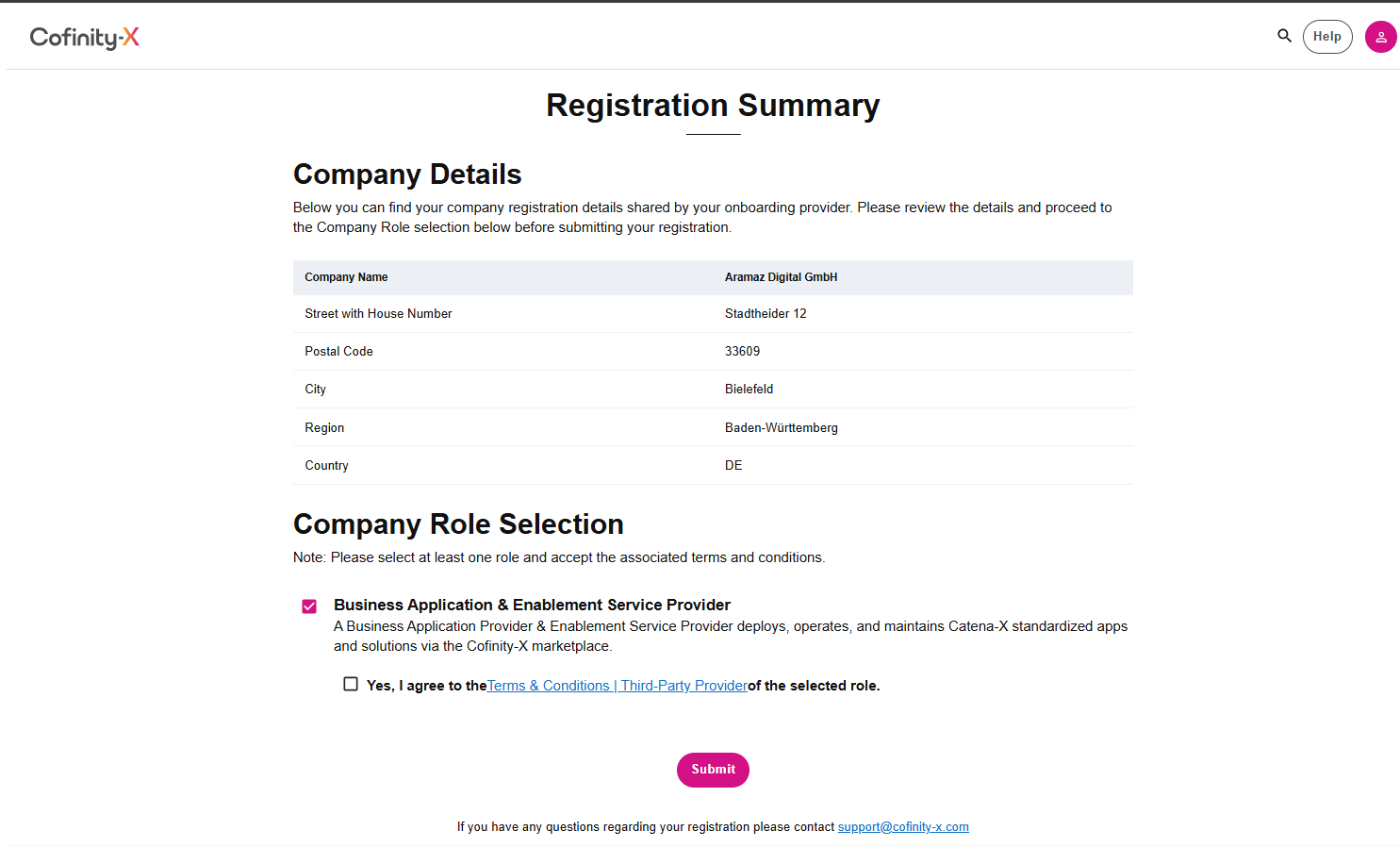
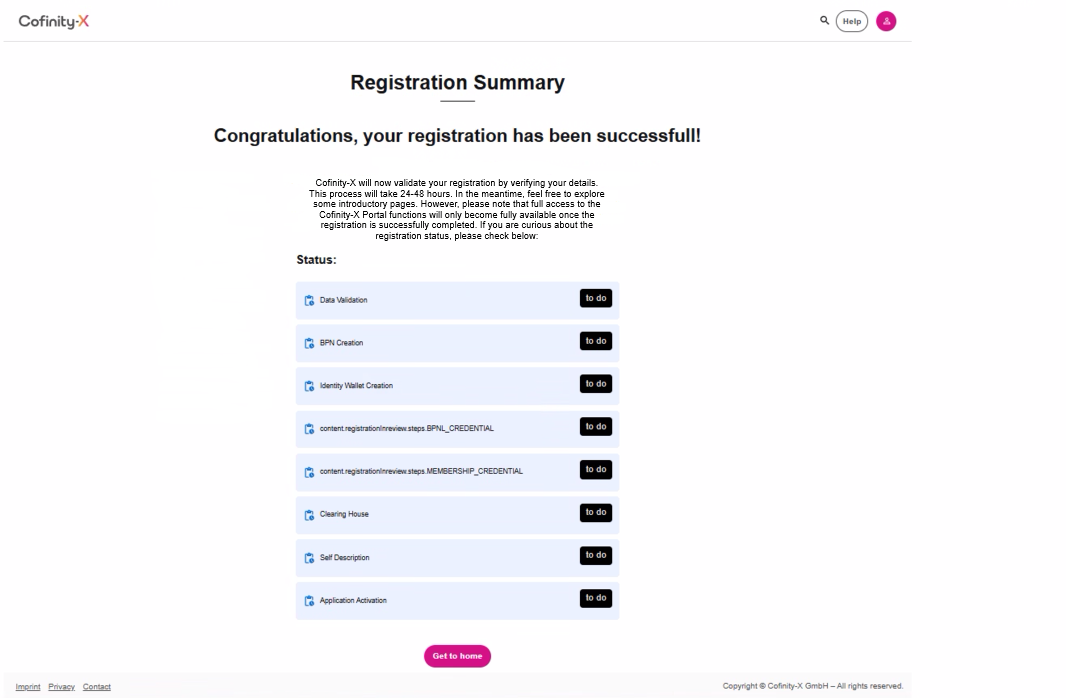
The Registration Summary page while registration is being reviewed:
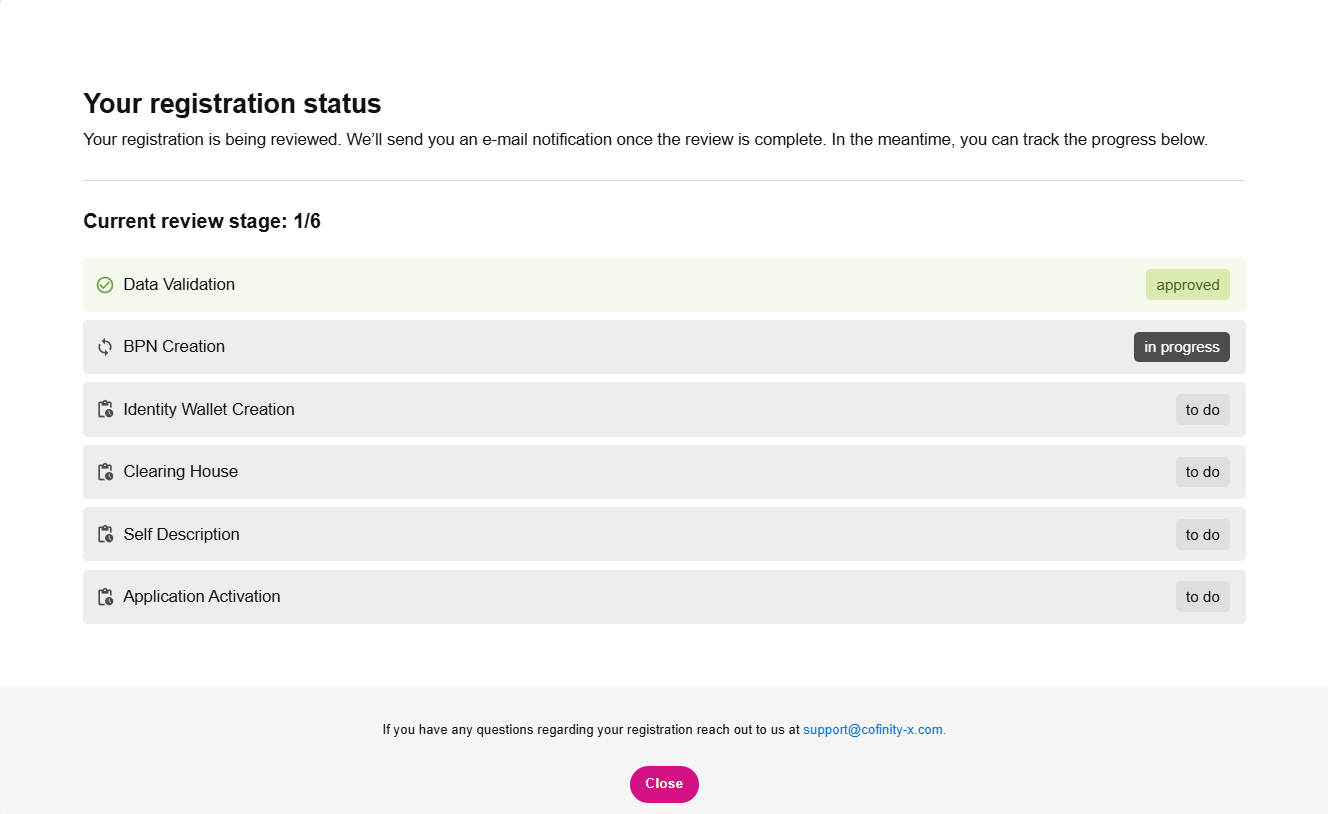
After consenting, the registration process will be finalized. You can see the status below:
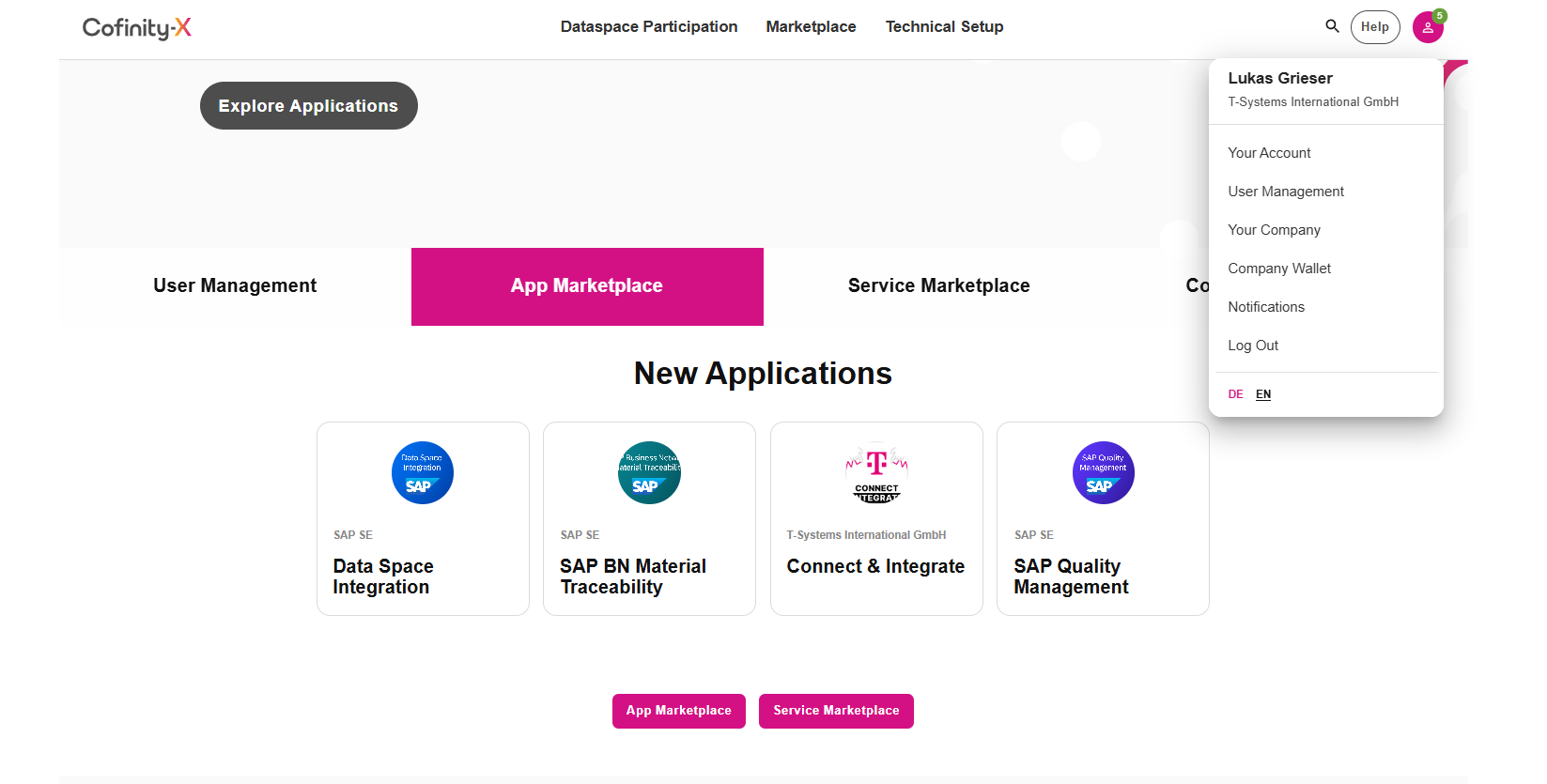
You will see this screen once registration is fully completed:
Additional Information:
Section titled “Additional Information:”You can invite other organizations either one-by-one or in bulk. The newly introduced “Partner Network Management” function allows you to bulk onboard your partner network into Catena-X. This capability simplifies and accelerates onboarding of multiple organizations onto the portal, granting them swift access to the Catena-X onboarding service.
Link to the Partner Network Management: Partner network management
If you have any questions or concerns, or if you wish to learn more about the Data Intelligence Hub, please don’t hesitate to contact us at dih.success@telekom.com
If you are experiencing technical difficulties related to the pages described here, please get in touch with us at dih.support@telekom.com